Keeping your mechanical keyboard clean can make a big difference to its performance and lifespan. Plus, it just feels nice to use a fresh keyboard! Here are some simple tips to get it looking and working like new.
First, unplug your keyboard or turn it off if it’s wireless. Safety first, right? Next, take a look at the keycaps. You can gently pop them off with a keycap puller or just carefully with your fingers. Give them a good soak in warm, soapy water for about 30 minutes. Scrub them gently with a soft brush to get rid of any grime, and then rinse them before letting them dry completely.
While the keycaps are drying, focus on the keyboard itself. Use compressed air to blow out any dust and crumbs stuck between the keys. This little trick makes a huge difference in keeping your keyboard functioning smoothly. For any stubborn spots, a damp microfiber cloth works wonders. Make sure it’s just a little damp—not soaking wet!
Once everything is clean and dry, pop the keycaps back on. If you want to add some extra flair, consider rearranging them or upgrading to some fun new keycaps. It’s a small change but can really personalize your keyboard.
How to Prevent Dust Buildup
Dust can really mess with your keyboard’s performance, so keeping it clean is key. Here are some easy tips to help you prevent dust buildup and keep your mechanical keyboard in top shape.
First off, consider where you place your keyboard. Avoid areas that are dusty or near open windows. If you’re in a space where dust is a regular visitor, think about getting a keyboard cover. These can be super handy and act like a shield, keeping dust and crumbs at bay.
Regular cleaning is your next best friend. Set a reminder to wipe down your keyboard every week or so. A microfiber cloth with a little bit of water or a gentle cleaner works wonders. Be sure to get in between the keys, where dust tends to sneak in. For a deeper clean, use compressed air to blast out any debris hiding in the cracks.
Another smart move is to keep your space tidy. A cluttered desk can attract dust. Organize your area, and keep things like books and papers away from your keyboard. The less junk around, the less dust will settle on your gear… and that’s a win!
Lastly, if you’re a gamer or type a lot, consider taking breaks. Your hands and the keyboard need a breather. Not only does this help your posture, but it also minimizes the dust you might track in during long sessions. Just little habits can make a big difference in keeping your keyboard fresh and functional!
Simple Lubrication Techniques
First, gather your supplies. You’ll need some keyboard-safe lubricant, like Krytox or Tribosys. You might also want some cotton swabs or a small brush for easy application. Make sure you pick a lubricant that’s designed for mechanical keyboards to avoid damage. Once you have everything ready, it’s time to disassemble your keyboard!
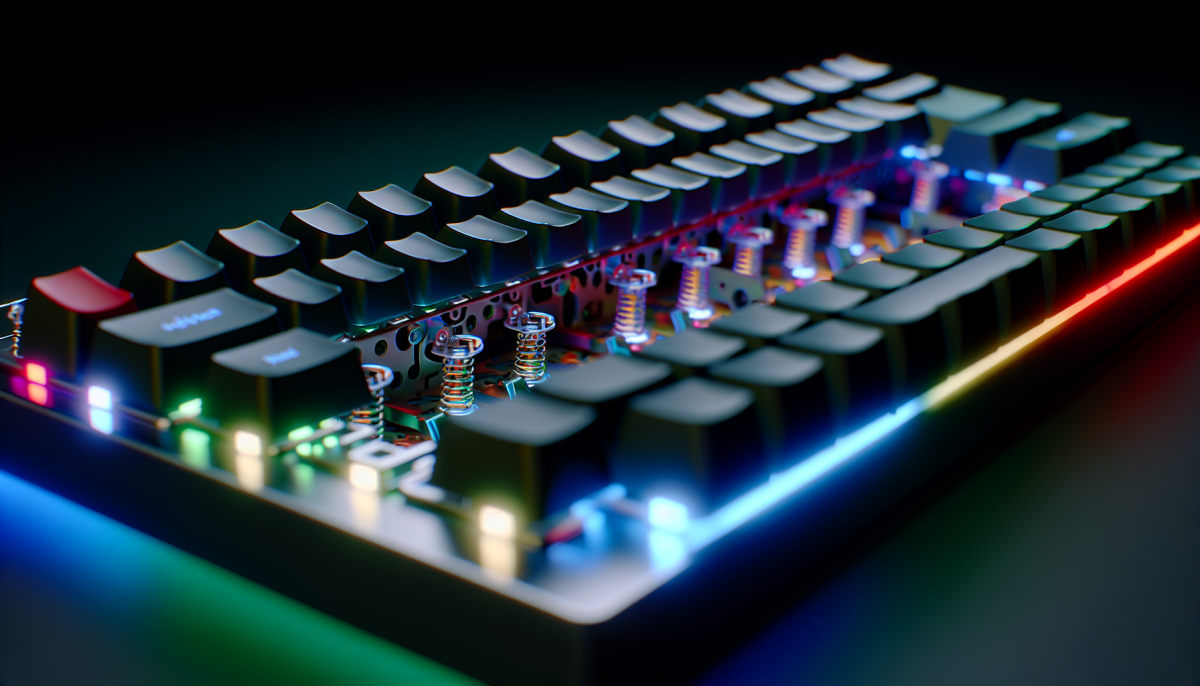
Carefully take the keycaps off your keyboard. You can use a keycap puller for this; it makes the job simple! After you’ve removed the keycaps, take a look at the switches. If you’re comfortable, you can even open the switches to get to the insides, but this isn't necessary for basic lubrication. Just applying lube on the exposed parts is often enough.
Grab your lubricant and dip your brush or cotton swab into it. Apply a small amount to the moving parts of each switch. You don’t want to overdo it; just a light coating will do the trick. When you’re done, put everything back together, and get ready for that satisfying clickety-clack sound!
After lubrication, you’ll notice an instant improvement. Your keyboard will feel smoother, and typing will become a joy rather than a chore. Just remember to keep your keyboard clean and repeat this process every few months to keep it in top shape!
Restoring Key Functionality Easily
Over time, your mechanical keyboard can start to feel a bit off. Maybe some keys stick, or they just don’t feel as snappy as they used to. The good news is that restoring key functionality is usually pretty straightforward!
First up, give your keyboard a good clean. Dust and crumbs can sneak under the keys, causing those annoying sticking issues. You can use compressed air to blow out debris from between the keys. For a deeper clean, gently pop off the keycaps (just make sure to remember where they go!) and wipe down the surface underneath.
If cleaning doesn’t do the trick, check out the key switches. Sometimes, you might just need to lubricate them a little. A tiny drop of appropriate lubricant on the stem can help them feel smooth again. If you’re feeling adventurous, you could even swap out the switches for something new and exciting.
Finally, don’t forget to keep your keyboard updated. Some brands offer software that lets you customize key functions or even update firmware. This can fix bugs and improve performance, giving your keyboard a fresh lease on life.